
Skip to content
For shops with a counter · Smart Design

A webshop with a POS
one system for shop and online

Sell in your shop and online from one system: one stock, barcode scanner, receipts, VAT invoices, iDEAL and card payments, and a webshop that updates automatically with what you sell at the counter.

For perfume shops, phone shops and repair stores, toko and ethnic supermarkets, fashion boutiques and wholesalers. Not a separate till that never talks to your webshop, but one admin panel in Dutch, English or Arabic.

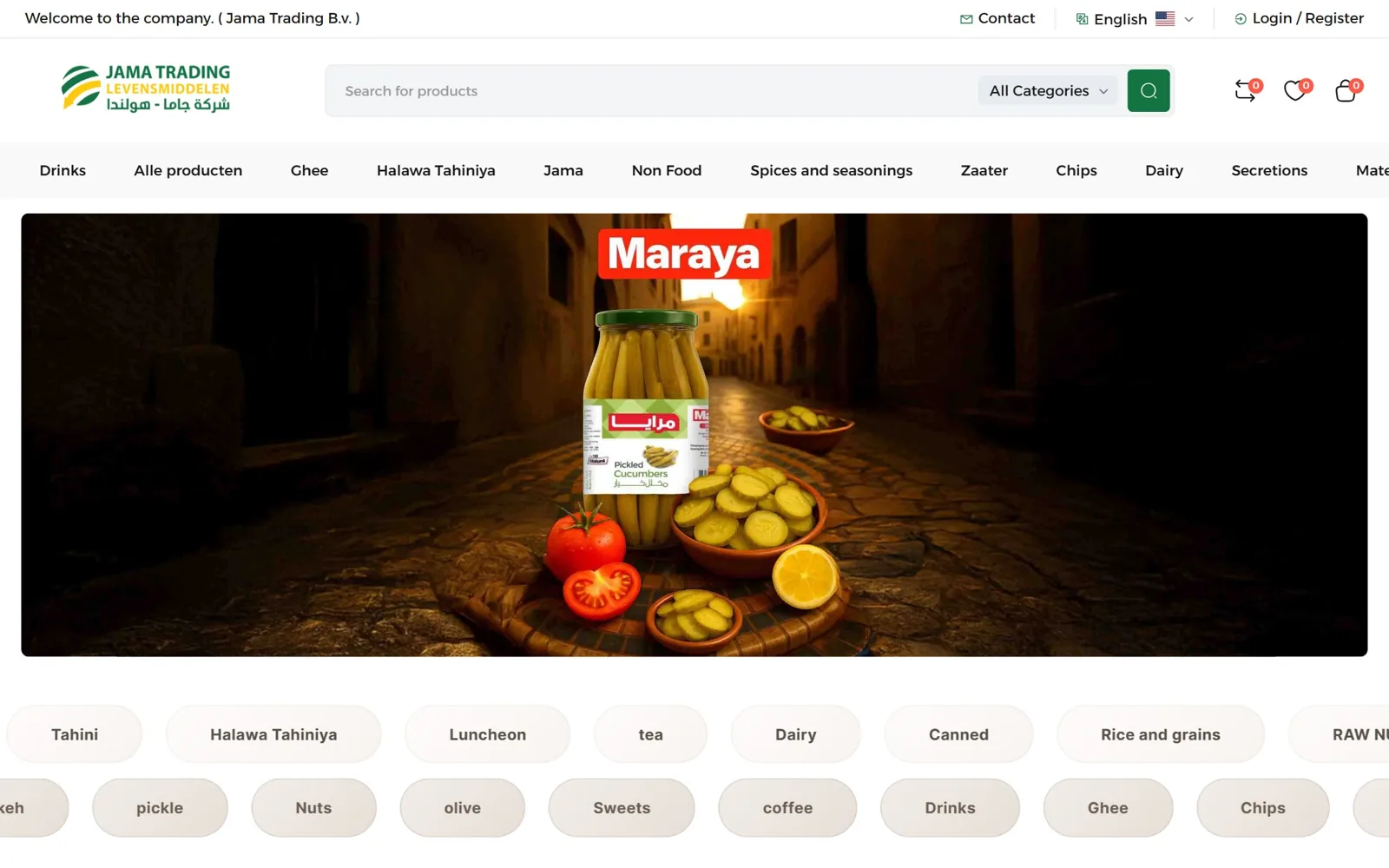
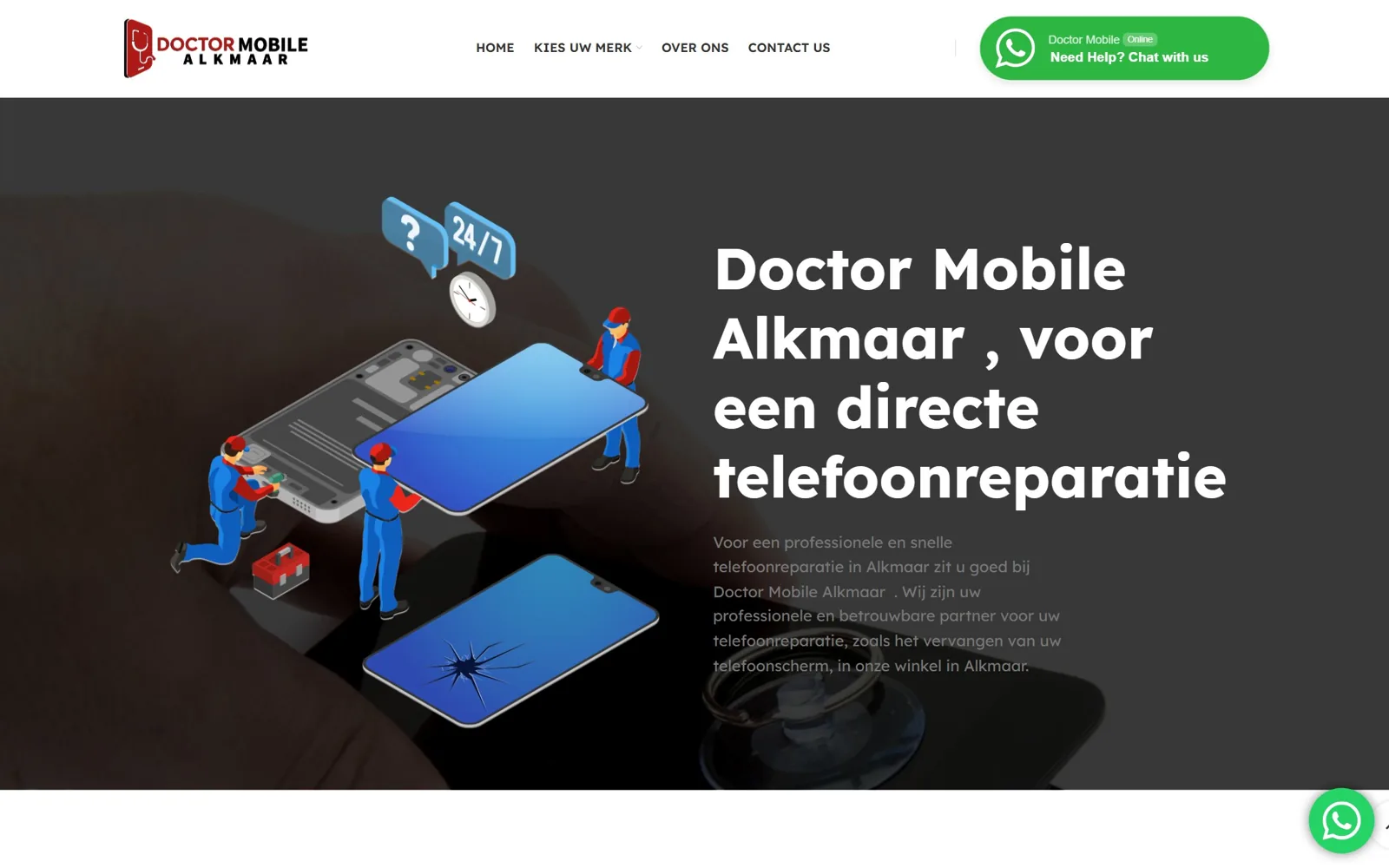
We built webshops for JD Parfums, Prince Perfume, Jama Trading and Judi Online, among others

Who it is for

Built for shops that also sell online

Every trade works differently at the counter. That is why we set up the system around how your shop actually runs.

Perfume shops

Hundreds of fragrances with variants per size (30, 50, 100 ml), testers tracked separately and clear product photos online. Customers see in the webshop what is on the shelf in the store.

Phone shops & repair

Sell handsets, cases and chargers, and also log repairs: IMEI number, customer details, status and a repair ticket. Online, customers can request a repair or book an appointment.

Toko & ethnic supermarkets

Thousands of items with barcodes, products per piece or per kilo, best-before dates and fast checkout at busy times. Online ordering with delivery or click and collect.

Fashion & shoes

Sizes and colours as variants, stock per size, exchanges and returns at the till and online, and seasonal sales you set once for both channels.

Wholesale

Separate price lists for business customers, minimum quantities per box or pallet, invoices on account with VAT and a private ordering portal for regular buyers.

Multiple locations

Two shops, or a shop plus a warehouse? You see stock per location, move items between branches and compare turnover per till.

One stock

Sold in store, instantly gone online

The best-known problem for retailers who also sell online: a customer orders something in the webshop that was already sold at the counter that morning. With two separate systems you have to track stock by hand, and on busy days that goes wrong.

In our system there is only one stock. Scan an item at the till and the webshop immediately shows one less. When an online order comes in, you see it on the same screen as your counter sales. New delivery arrived? Scan the barcodes and everything is updated at once, in store and online.

What that gives you:

  • No more double sales or ‘sorry, sold out’ emails
  • Low-stock alerts when an item is running out
  • Book in purchases and deliveries with the barcode scanner
  • One turnover overview: till and webshop together
stock · live

$ Till 1: scan 8712345678906

→ Eau de Parfum 100 ml sold (card)

→ Stock 4 → 3

✓ Webshop updated

$ Webshop: order #1042 (iDEAL)

→ Stock 3 → 2

Only 2 left — reorder?

Store and webshop in sync
At the counter

A till that keeps up when it is busy

The till runs in the browser on a laptop, tablet or touchscreen POS computer. Plug in a standard USB or Bluetooth barcode scanner and a receipt printer, and you are ready to go. Customers pay by card, cash or payment link, and get a printed receipt or a digital one by email.

Business customers immediately receive an invoice with your KVK number, VAT number and the correct Dutch VAT rates (21% and 9%) per line. At the end of the day you see a daily close-out with turnover per payment method, so your cash drawer adds up and your accountant knows where things stand.

At the till:

  • Scan barcodes or search by name
  • Discount per item or on the whole receipt
  • Print or email receipts
  • VAT invoices for business customers
  • Daily close-out per payment method

Payment methods

  • Card at the counter
  • Cash with change calculation
  • iDEAL in the webshop
  • Credit card, Apple Pay and Google Pay
  • Bancontact for Belgian customers
  • Payment link via WhatsApp or email
Payments & shipping

From payment to shipping label in one flow

Online payments run through Mollie: iDEAL, credit card, Bancontact, Apple Pay and more, with the money going straight to your own account. Card payments in the shop can be linked through a payment terminal, so the amount does not have to be typed in twice.

Once an online order is paid, you create a PostNL or DHL shipping label with one click. The customer automatically receives a track-and-trace email in their own language. If the customer chooses in-store pickup, your staff see the order ready at the till.

  • Mollie: iDEAL, credit card, Bancontact, wallets
  • Card payments in store via a linked terminal
  • Shipping labels for PostNL and DHL
  • In-store pickup as a delivery option
  • Automatic emails in NL, EN or AR
MoMollie
Visa
MasterCard
Apple Pay
Google Pay
PNPostNL
DHL
WhatsApp
Our own platform

E-commerce Platform Pro: POS built in

Our own platform, built in Laravel and Vue and maintained by Smart Design. Webshop, POS, stock and invoicing live in one system, without separate plugins that stop working together after an update.

POSOne stockBarcodesVAT invoicesMollie & cardNL · EN · AR

The best choice when your shop is the heart of your business.

Prefer WordPress?

WooCommerce with a POS link

Already have a WooCommerce store with lots of products and content? Then you do not have to start over. We link your existing webshop to a POS so stock and orders stay in sync.

Keep your storeStock syncWordPress contentMollie paymentsMigration possibleMaintenance

We give honest advice on which route best fits your situation.

Three languages

Your webshop and till in three languages

Many shops have customers and staff who do not all speak Dutch as their first language. That is why the webshop, the emails and the admin panel all work in Dutch, English and Arabic. The Arabic version runs fully right-to-left, with clearly readable fonts.

Your employee can use the till in Arabic while the receipt and invoice still print in Dutch. You enter product names and descriptions per language, so you reach customers in the Netherlands, Belgium and Germany in the language they search in.

  • Webshop in NL, EN and AR with separate URLs per language
  • Admin panel and till in your staff’s language
  • Receipts and invoices in the language you choose

Getting found

Customers search for “buy perfume”, “phone repair” or in Arabic for “محل عطور”. With separate, well-built pages per language, you show up in all of those searches.

How we work

From separate systems to one overview

We are happy to visit your shop, or we meet online. That way we see how things really work at the counter.

01

Visit to your shop

We look at your range, your current till and webshop, and how you and your staff work. After that you know which route fits and what it costs.

02

Moving your products

We import your items, barcodes, prices and stock from your old till, Excel sheet or webshop, so you do not have to enter everything again.

03

Setup & testing

Scanner, receipt printer and payments are connected and tested. We run test sales before the first real customer pays.

04

Go-live & training

Your staff get training in their own language. After go-live you have a three-month warranty and we make daily backups.

Our work

Webshops we built for retailers

JP
JD Parfums

JD Parfums

jd-parfums.de

2026

Fragrance webshop in four languages with hundreds of scents in multiple sizes, German legal pages and Mollie payments.

LaravelFleetCartWebshopMollie
FAQ

Questions about a webshop with POS

A laptop, tablet or POS computer with a modern browser, a barcode scanner and optionally a receipt printer and cash drawer. You can often keep using your existing scanner and printer; we check this at the first meeting.

Sometimes, if your till offers an integration (API). In that case we build the webshop link on top of your current system. If that is not possible or too limited, moving to E-commerce Platform Pro is usually the simplest solution.

The till is a web application and needs internet to update stock live. A 4G hotspot on your phone is a good backup; we discuss together what makes sense for your shop.

Invoices include your company details, KVK and VAT numbers, a sequential invoice number and VAT per rate. You can export turnover reports for your accountant, and a link with accounting software is possible.

Yes. You give business customers their own price list, minimum order quantities and payment on invoice. They order through a private part of the webshop, or you enter the order at the till.

That depends on the number of products and how your data is stored now. After the first meeting you get a concrete schedule. We plan the switch for a quiet moment so your shop can stay open as usual.

That depends on your range, the number of tills and locations and the integrations you need. After a conversation you receive a quote with a clear price up front.

Shop + webshop

Ready for one system for your shop?

Tell us what kind of shop you run and how you work today. You will get a personal reply within one business day, in Dutch, English or Arabic.